
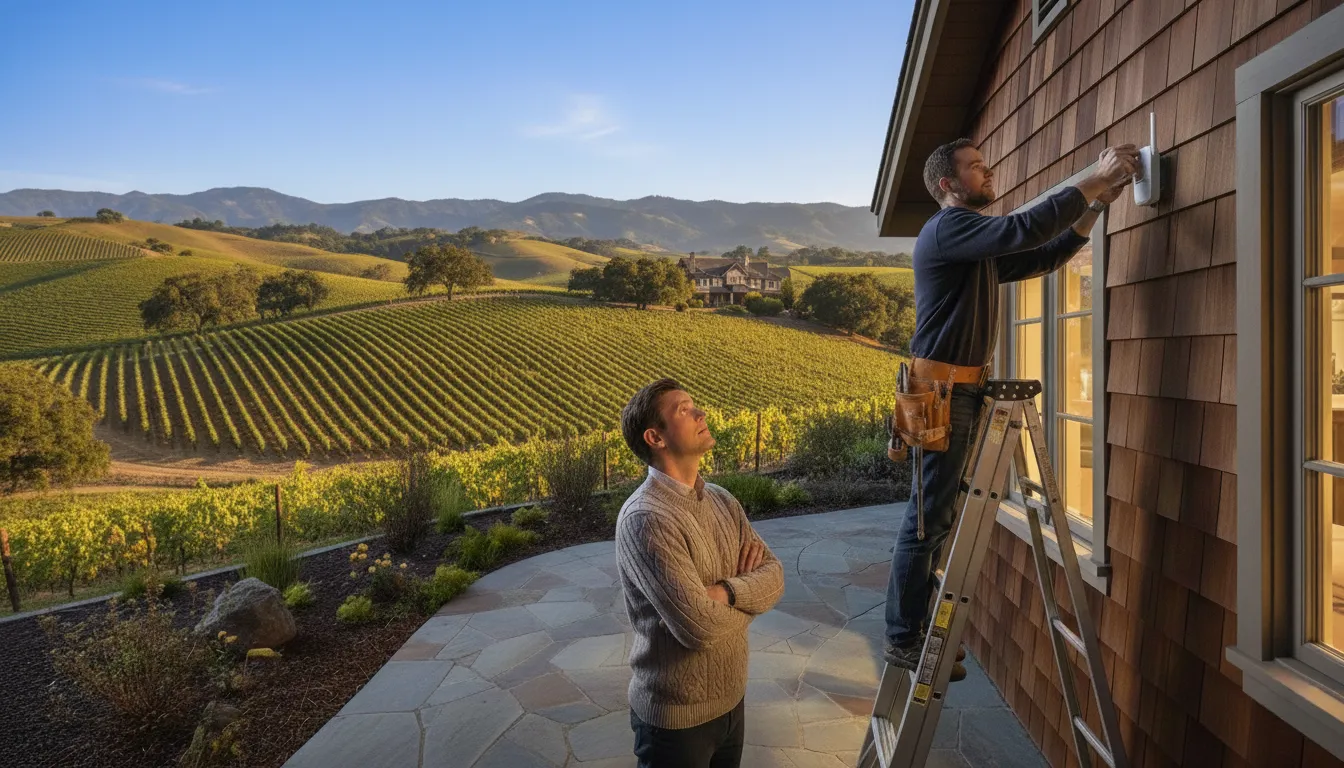
Working from a guest house sounds ideal until your first video call drops mid-sentence. You converted the ADU — Accessory Dwelling Unit — into a peaceful home office away from household distractions, only to discover your expensive mesh system barely delivers a usable signal. The marketing promised “whole-home coverage,” yet here you are, watching the spinning buffer wheel during a client presentation.
This scenario plays out across Bay Area properties more often than mesh system manufacturers would like to admit. Your indoor network equipment was never designed to push signals through exterior walls, across open yards, and into separate structures. This guide explains why detached buildings require fundamentally different connectivity solutions and walks through the three options that actually deliver reliable results for daily work use.
Why Your Indoor Mesh Won’t Reach the Guest House
The Physics of Walls, Glass, and Distance
A WiFi signal is a radio wave, and radio waves lose strength whenever they encounter obstacles or travel through open air. Interior walls present modest challenges that mesh systems handle reasonably well. Exterior walls tell a different story entirely, built with stucco, brick, metal framing, or layered insulation that absorbs and reflects signals far more aggressively than drywall. Energy-efficient windows compound the problem because their metallic coatings act like mirrors for WiFi frequencies.
Distance matters more than most homeowners expect. Every ten feet of open air between your router and a device reduces signal strength measurably, and this degradation accelerates when combined with wall penetration losses. A mesh node designed for interior use relies on assumptions about indoor propagation characteristics that simply do not apply when you point it through an exterior wall toward a building fifty feet away. The physics of wireless transmission explain why adding more mesh nodes inside your main house rarely improves coverage in detached structures.
The Wireless Backhaul Bottleneck
Backhaul refers to how mesh nodes communicate with each other and ultimately connect back to your router. Consumer mesh systems use wireless backhaul, meaning the same radios that serve your devices also carry traffic between nodes. This shared-radio design works acceptably indoors where nodes sit relatively close together with minimal obstacles between them.
Attempting wireless backhaul through exterior walls and across property distances creates a compounding problem. The already-weakened signal must carry both your device traffic and inter-node communication simultaneously, leaving insufficient bandwidth for either task. Video calls demand consistent throughput rather than occasional bursts of connectivity. A connection that technically exists but fluctuates between 5 Mbps and 50 Mbps will produce choppy audio, frozen screens, and the professional embarrassment of asking colleagues to repeat themselves. Understanding this backhaul limitation explains why simply adding more mesh nodes cannot solve the detached building problem — each wireless hop degrades the connection further.
Three Options That Actually Work
Option 1: Run Ethernet Across the Property
A wired connection eliminates every wireless variable discussed above. Ethernet cable carries your data at full speed regardless of wall materials, weather conditions, or interference sources. Running cable across a property requires either buried conduit, aerial installation, or routing through existing underground pathways like irrigation trenches.
Professional installation matters significantly for outdoor ethernet runs. Proper burial depth prevents accidental damage from landscaping or future utility work. Conduit protects the cable from moisture, rodents, and soil conditions. Water-sealing at entry points prevents moisture from wicking into your buildings. At the guest house end, you install a proper access point rather than a mesh node — access points are designed to operate with wired backhaul (network connection) and deliver their full rated performance rather than sharing bandwidth with upstream wireless links.
The upfront cost is higher than wireless alternatives and varies significantly based on distance, terrain, and how much trenching or conduit work your property requires. A licensed low voltage engineer handles this type of installation — not a general electrician — because structured cabling and outdoor network runs fall under low voltage specialty work. Permits may apply depending on your municipality. The reliability payoff is complete elimination of weather interference and guaranteed full-bandwidth connectivity for as long as the cable remains intact — which typically means decades.
Option 2: Point-to-Point Wireless Bridge
A wireless bridge is a dedicated radio link between two specific points, fundamentally different from consumer WiFi in design and purpose. Two outdoor antennas — one mounted on your main house, one on your guest house — create a focused beam carrying ethernet data between buildings. Each antenna contains weather-resistant housing and professional-grade radios built for outdoor operation.
Line of sight is the critical requirement. The path between antennas must remain clear of trees, structures, and elevation changes that would block or scatter the signal. Equipment from manufacturers like Ubiquiti or MikroTik can deliver 300+ Mbps over several hundred feet when properly aligned and mounted, and higher-gain antenna configurations can extend reliable links beyond 1,000 feet for properties with distant outbuildings. The guest house antenna outputs standard ethernet, connecting directly to an access point or switch inside the building.
Wireless bridges avoid trenching entirely, making them faster to install than buried cable. Both mounting points need electrical power for the radios, and initial equipment costs run higher than consumer mesh nodes. Professional installation is strongly recommended because alignment and mounting precision directly determine link performance. DIY wireless bridge installations frequently underperform due to improper antenna positioning, inadequate weatherproofing, or mounting hardware that shifts over time. With proper installation, a wireless bridge delivers reliability approaching that of buried cable without disturbing your landscaping.
Option 3: Outdoor Access Point Chain
When your guest house sits within moderate range and remains visible from the main house, outdoor-rated access points offer a middle-ground solution. Mount a weatherproof access point on the exterior of your main house, aimed toward the guest house, with a second access point installed inside the guest structure. The exterior unit broadcasts toward the guest house while the interior unit provides coverage inside.
Wired backhaul to the outdoor unit remains strongly preferred. Running ethernet from your router to the outdoor access point means only the final link across your property relies on wireless transmission. This approach reduces the compounding signal loss that plagues all-wireless configurations.
Outdoor access point chains work best for distances under 150 feet with clear sightlines. Weather interference affects performance more than with dedicated wireless bridges because access point radios are optimized for device connectivity rather than point-to-point links. Rain, fog, and temperature variations can introduce fluctuations that you would not experience with a purpose-built bridge. Each connectivity option involves trade-offs between cost, installation complexity, and long-term reliability — the right choice depends on your specific property layout and usage requirements.
Choosing the Right Solution for Your Property
Decision Factors to Evaluate
Distance between buildings shapes which solutions remain viable. Properties with less than 100 feet between structures have more options than those spanning 300 feet or more. Line of sight availability determines whether wireless solutions can work at all; mature trees, garden structures, or elevation changes that block the direct path between buildings eliminate wireless bridge and outdoor access point approaches.
Planned usage intensity matters as much as distance. Occasional web browsing tolerates connection variability that would cripple daily video conferencing. Multiple simultaneous users in the guest house multiply bandwidth requirements beyond what marginal connections can support. Budget priorities require honest assessment of upfront installation costs versus long-term reliability value. Property modification tolerance — whether you are willing to trench through landscaping versus preferring non-invasive installation — often becomes the deciding factor for homeowners.
Quick Decision Matrix
For properties with less than 100 feet between buildings and clear sightlines, outdoor access point chains or wireless bridges both perform adequately. Distances between 100 and 300 feet with unobstructed paths favor wireless bridges as the primary solution, with buried ethernet as an alternative for those prioritizing maximum reliability. Long-distance scenarios beyond 300 feet remain viable with wireless bridges using higher-gain antennas, though professional site assessment becomes essential to verify link feasibility before equipment purchase. Any distance combined with obstructed sightlines leaves buried ethernet as the only dependable option — and for runs exceeding 300 feet, fiber optic cable eliminates the distance limitations of copper ethernet. Properties where critical daily work depends on the connection — regular video calls, large file transfers, real-time collaboration — warrant buried cable regardless of distance because no wireless solution matches its consistency.
Why Professional Installation Matters
Equipment selection requires matching antenna gain, mounting hardware, and weatherproofing specifications to your specific property conditions. Site surveys identify line of sight issues, optimal mounting locations, and potential interference sources before installation begins rather than after problems emerge. Proper documentation supports future modifications or troubleshooting years after the original installation.
Professional installation includes considerations that DIY approaches frequently overlook. Conduit sizing that allows future cable upgrades prevents the need to re-trench when you eventually want faster connectivity. Surge protection at both ends of outdoor runs guards against lightning damage. Proper cable management inside buildings maintains a clean installation rather than exposed wiring. Before making a final decision, reviewing the most common questions about guest house connectivity helps address remaining concerns.
Frequently Asked Questions
How do I get reliable WiFi in my guest house or ADU?
Install a dedicated connection — either buried ethernet cable or a point-to-point wireless bridge — rather than attempting to extend your indoor mesh system. Indoor mesh networks use wireless backhaul that degrades severely when pushed through exterior walls and across property distances. The equipment designed for interior room-to-room coverage lacks the radio power and antenna characteristics needed for outdoor building-to-building transmission. For daily work use where video calls and consistent connectivity matter, a wired connection delivers the most reliable results without weather-related fluctuations or signal variability.
Can I extend my mesh network to a detached building?
Technically possible, but rarely reliable enough for work-from-home use. The wireless backhaul that connects mesh nodes loses significant bandwidth when forced through exterior walls and across open distances. Some professional mesh systems offer outdoor-rated units, but their cost approaches or exceeds purpose-built solutions like wireless bridges that deliver superior performance. Consumer mesh systems marketed for large homes assume interior propagation conditions that do not apply to detached buildings. A mesh connection to your guest house may work adequately for casual browsing while failing completely when you need it for an important client call.
Do I need to run cable across my property?
Not necessarily — wireless bridges provide a viable alternative when line of sight exists between buildings. Point-to-point wireless links use focused directional antennas that create a dedicated connection between two specific points, avoiding the signal dispersion problems of omnidirectional consumer equipment. Cable becomes necessary when trees, structures, or terrain block the direct path between buildings, or when maximum reliability takes priority over installation convenience. Buried ethernet also represents a permanent infrastructure improvement that adds value to your property and supports any future connectivity upgrades without additional installation work.
Is fiber optic cable better than ethernet for outdoor use?
Fiber optic cable offers distinct advantages for outdoor installations. Unlike copper ethernet, fiber is non-conductive and eliminates the risk of lightning surges damaging your network equipment at either end. Fiber also lacks the 328-foot distance limitation that applies to copper ethernet, supporting runs of several thousand feet without signal degradation. For typical residential property distances, however, copper ethernet installed with proper surge protection performs reliably at lower cost. Fiber makes more sense for very long runs, properties in lightning-prone areas, or installations where electrical isolation between buildings is specifically required.
Will a standard WiFi extender work for a detached building?
Consumer WiFi extenders are designed for indoor use and typically lack the transmission power to penetrate two sets of exterior walls plus the insulation layers in between. Even when a connection establishes, extenders halve available bandwidth because they receive and retransmit on the same radio channel. A point-to-point wireless bridge uses focused directional antennas to carry the internet signal across the gap between buildings, delivering far more bandwidth than any extender could achieve. For detached buildings, extenders are the least effective solution despite being the most commonly attempted.
Do I need a second router for my guest house?
No — one router should handle your entire property. Adding a second router creates problems that most homeowners never anticipate. Two routers running simultaneously produce Double NAT (double network address translation), where your traffic passes through two separate translation layers. This breaks VPN connections, interferes with video conferencing, and prevents devices in one building from discovering devices in the other — so AirPlay, Chromecast, and shared printers stop working across buildings. Some people work around this by setting the second router to “Access Point mode,” which disables its routing functions. That technically solves Double NAT, but it’s a consumer workaround rather than a proper solution — a router in AP mode still runs unnecessary firmware services, offers no centralized management, and lacks the roaming coordination that lets devices switch seamlessly between buildings.
The professional approach is simpler: keep your single router for all routing, DHCP, and firewall duties, then install a dedicated access point in the guest house connected via ethernet back to your main router or switch. Purpose-built access points are designed for wall or ceiling mounting, deliver optimized antenna coverage, and support fast roaming protocols so your devices hand off cleanly as you walk between buildings. The result is one flat network where every device sees every other device, managed from a single interface. Multi-router architectures exist, but they belong in enterprise environments with separate security zones and VLANs — not in a residential property with one internet connection and one owner.
Making Your Guest House as Connected as Your Main Residence
Detached buildings require purpose-built connectivity solutions rather than mesh system workarounds. Your guest house home office represents a real infrastructure need that deserves investment matching its intended purpose. Attempting to stretch consumer-grade equipment beyond its design parameters leads to frustration, dropped calls, and the creeping suspicion that remote work from your property simply will not function reliably.
The decision framework is straightforward once you assess your specific situation. Evaluate the distance between buildings, check for line of sight availability, and honestly appraise how critical reliable connectivity is for your work. Properties with clear sightlines and moderate distances can succeed with wireless bridges. Obstructed paths or mission-critical reliability requirements point toward buried ethernet as the appropriate investment.
Professional installation ensures proper equipment selection for your specific conditions, optimal mounting that maintains performance over years rather than months, and documentation that supports future modifications. For properties in the Bay Area, we assess guest house connectivity challenges and recommend the most practical solution based on your specific layout, usage requirements, and budget priorities.